
Home Business Accounting Software and the Line Between Household and Business Money
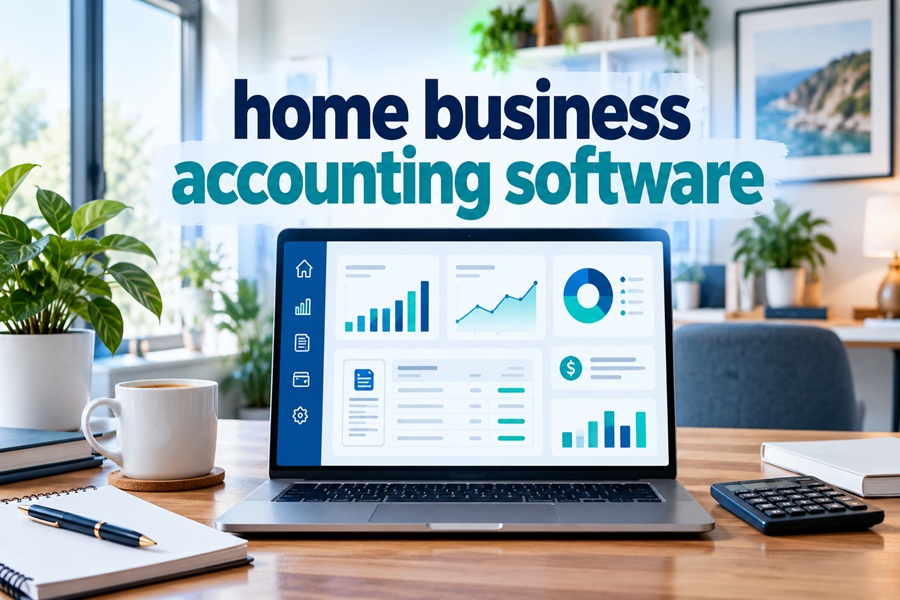
The printer ink went on the same card as the groceries. The client lunch was paid from the joint checking account. The new laptop is used for work most days, and for streaming movies on Friday nights. Somewhere in the house there is a folder labeled “business stuff” with receipts from two years ago.
If that sounds familiar, you are in very good company. Running a business from home blurs every line that a storefront business draws automatically. There is no separate building, no separate phone bill, often no separate bank account. And that blur is exactly what makes home business accounting tricky.
The right software can fix a lot of it. But the software works best once you draw the line yourself.
Draw the Line Before You Pick the Tool
No accounting program can untangle money that was never separated. Before anything else, open a dedicated business checking account and get a card that is used only for business. Even sole proprietors who are not legally required to do this benefit enormously.
Once business money flows through its own account, the accounting software has a clean stream to work with. Every transaction in the feed is a business transaction, and the job shifts from “was this personal?” to “which category does this belong in?” That second question is much easier.
If you occasionally pay a business expense personally, record it as an owner contribution. If you move money from the business to your household, record it as an owner draw. Good home business software handles both with a couple of clicks.
What Home Business Software Needs to Handle
Home businesses have a specific set of needs that general comparisons often miss.
Mileage. Driving to clients, the post office or a supplier adds up. The IRS business mileage rate was 72.5 cents per mile at the start of 2026 and rose to 76 cents per mile from July 1. Software that logs trips automatically from your phone captures deductions you would otherwise lose.
The home office. If part of your home is used regularly and exclusively for business, you may qualify for the home office deduction. The simplified method allows $5 per square foot for up to 300 square feet, for a maximum of $1,500. The regular method uses actual costs like a share of rent, utilities and insurance and is reported on Form 8829. Your software should let you record these shared costs or at least store the figures your tax preparer needs.
Mixed use items. Your phone, internet and that laptop are partly business and partly personal. Track the business percentage and keep notes. Software with memo fields and receipt attachments makes this painless.
Quarterly taxes. Home business owners often pay estimated taxes, including self employment tax of 15.3 percent on net earnings up to the Social Security wage base. Tools that estimate what to set aside each quarter turn a scary April into a routine transfer.
Payment app income. If you get paid through PayPal, Venmo for business, Square or a marketplace, those platforms report to the IRS on Form 1099 K once you pass more than $20,000 and more than 200 transactions in a year. Below that, the income is still taxable. Your software should pull in or reconcile these payouts so nothing slips through.
The Software Options Worth Considering
You do not need an expensive plan. Most home businesses fit comfortably in the low cost tier.
QuickBooks Solopreneur. Around $20 a month, also listed as QuickBooks Lite, with a free tier for very early users. It is built specifically for sole proprietors, with automatic mileage tracking, personal versus business sorting, and estimated tax calculations. It is not designed for teams, so if you plan to hire, expect to move to Simple Start at $38 a month or higher.
Wave. The Starter plan is free for invoicing and bookkeeping, which suits crafters, tutors and consultants with simple needs. Automatic bank connections and extra automation live in the Pro plan at about $19 a month.
Zoho Books Free. Free for businesses under $50,000 in annual revenue, with real double entry accounting, recurring invoices and a client portal. Its interface is dense but capable, and it scales into paid plans as you grow.
FreshBooks. A strong pick for home based service providers who bill clients often. Invoicing, time tracking and payment reminders are its strengths. Plans are priced by the number of billable clients, starting with five on the Lite plan.
Xero Early. At $27 a month, it suits home businesses that want accountant friendly software and do not send more than 20 invoices or enter more than 5 bills a month.
What About Spreadsheets?
Plenty of home businesses start with a spreadsheet, and for a very small side hustle that can work. The problems appear as volume grows. Spreadsheets do not pull bank transactions, do not match receipts, do not remind clients to pay, and are easy to break with one bad formula.
A reasonable rule: if you have more than a few dozen transactions a month, or if you drive for work, the time saved by even a free accounting app outweighs the comfort of a familiar spreadsheet.
Habits That Keep Home Books Clean
A few practices make home business accounting almost effortless.
Set a weekly money hour. Sunday evening or Monday morning, spend fifteen to twenty minutes categorizing transactions and snapping receipts. Consistency beats intensity.
Photograph receipts immediately. Paper fades. A photo in your accounting app lasts.
Write real memos. “Ink for client proposals” is far more useful at tax time than “Office Depot.”
Keep the home office honest. If the guest room doubles as your office, the exclusive use rule may not be met. Talk with a tax professional before claiming it.
Review once a quarter. Look at your profit and loss report, set aside estimated tax money and check whether your software plan still fits. Prices shift. QuickBooks raised its higher plans in August 2026 and Xero raised all US plans in October 2026.
When It Is Time to Grow
A home business sometimes outgrows the spare bedroom. The signs are easy to spot: a first employee, a regular contractor, inventory stacked in the garage, or a business partner who needs access. When that happens, move up to a plan with payroll, multiple users and inventory, such as QuickBooks Essentials or Plus, or Xero Growing or Established.
Until then, keep it simple. Separate the money, pick an affordable tool that tracks mileage and receipts well, and give it a few minutes every week. The kitchen table can stay the headquarters. The books just need their own drawer.
Leave a reply


-
Prospecting Explained for Sellers Starting From Zero
Sales prospecting is the work of finding potential customers who fit what ... -
-
-
-
-
-